
How to Check Where Your YouTube Video Ranks
You uploaded a video, optimized the title, and now you want the answer to one simple question: when someone searches your keyword, where does my video appear? Here is why the obvious method fails, and three reliable ways to get the real answer.
Why searching for yourself doesn't work
If you open YouTube and search your keyword, the results you see are personalized: YouTube knows you watch your own videos, your subscriptions, your location and your history, and it reshuffles results accordingly. Your video may look like it ranks #2 for you while an average viewer sees it at #14 — or not at all. Logging out helps less than you'd think; device, region and even watch time still shape the list.
Method 1: Incognito + VPN (free, clumsy)
An incognito window removes most personalization from your own history. Combine it with a VPN set to your target country and you get a rough approximation of a neutral search. The problems: it is manual, you can only check one keyword at a time, results still vary between sessions, and you have no history — you cannot tell whether yesterday's title change moved you up or down.
Method 2: YouTube Studio traffic reports (indirect)
Studio → Analytics → Reach shows which search terms brought viewers to your video. It is genuinely useful — but it only tells you which searches you ALREADY get traffic from, not your position, and it shows nothing about keywords where you rank #30 and get zero clicks. It measures the past, not your ranking.
Method 3: A rank tracker (automatic, with history)
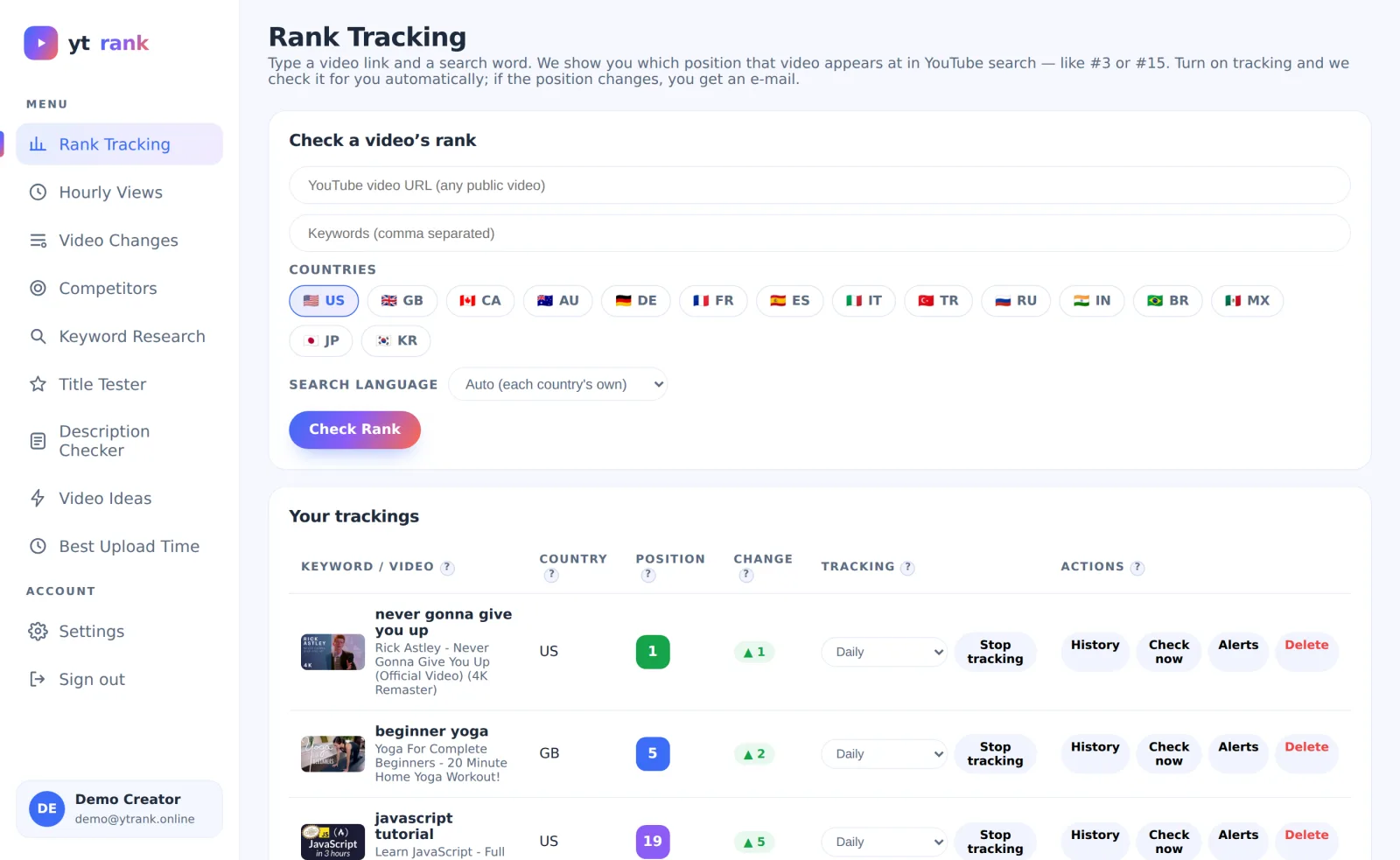
A rank tracker queries YouTube search neutrally, records your exact position for each keyword and country, and repeats the check on a schedule. You get an answer like "#7 in the US, #3 in Germany, was #12 last week" — and an e-mail when it changes. This is how you find out whether your SEO changes actually work.
ytrank does this for free: paste any public video link, add keywords, pick countries, and it checks automatically from every 2 hours to every 2 days, drawing the history chart for you.